macOS
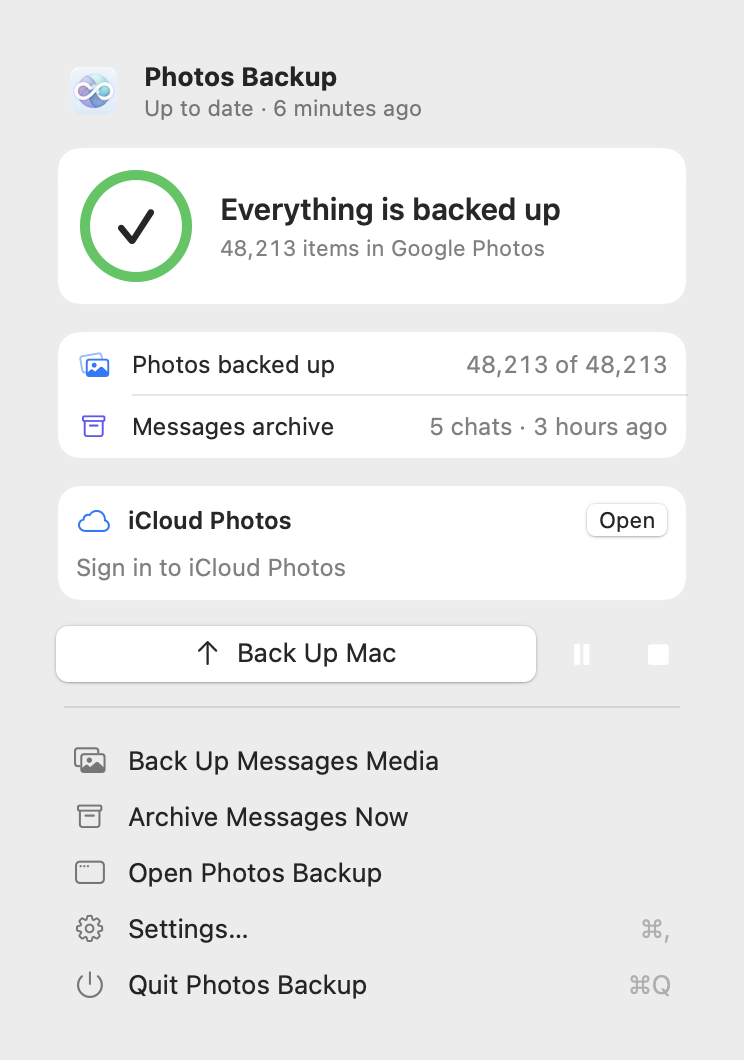
Apple Photos albums and library, iCloud Photos, and optional Messages media. Includes connected iPhone and camera file import.
macOS 14 or later

Native apps for your media
A focused Google Photos backup app for macOS, Windows, and Android. Pick the albums, folders, or files that matter; follow each upload; keep your originals where they are.
macOS 14+ · Windows 10/11 · Android 8+
Version 0.5.0
Five native packages, one release. No Python or developer tools required.
Apple Photos albums and library, iCloud Photos, and optional Messages media. Includes connected iPhone and camera file import.
macOS 14 or later
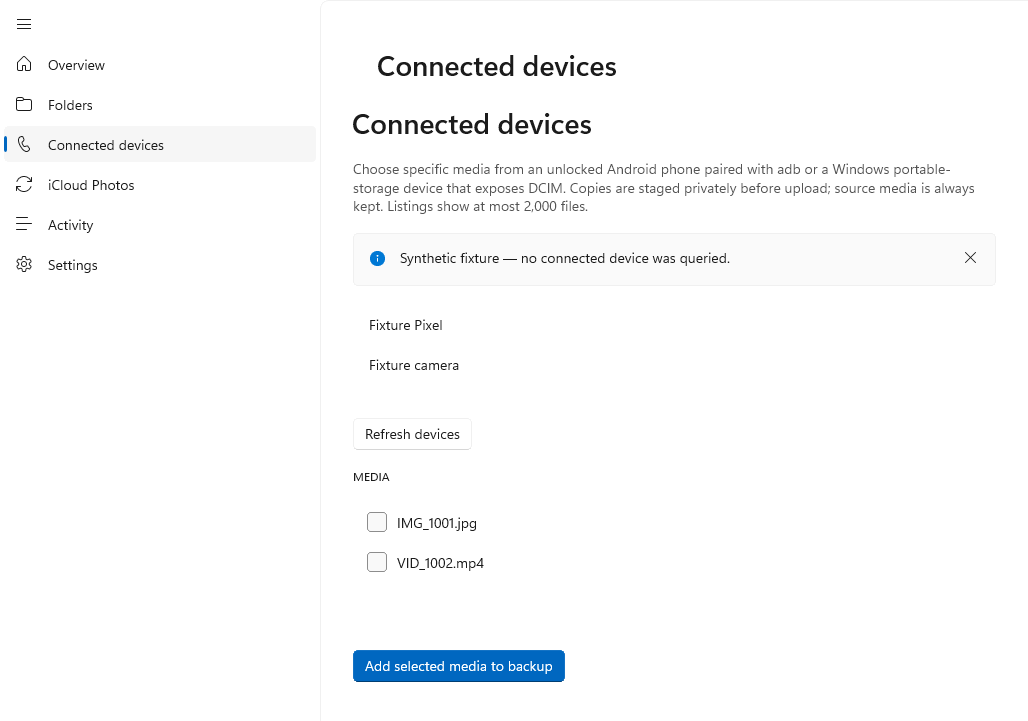
Selected photo and video folders, with an optional iCloud Photos source. Includes portable-device/DCIM import and optional wireless ADB import.
Windows 10 1809+ / Windows 11 ARM64
Selected on-device photos and videos. Includes accessible MediaStore device folders, which can be mirrored as Google Photos albums.
Android 8 or later
Verify every package with SHA256SUMS.txt. The Mac app is ad-hoc signed and not notarized; Windows installers are unsigned. See the release notes before installing.
A short, visible path
Select albums, folders, or individual files. On Mac, review automatic backup settings before signing in: automatic backups are on by default.
Sign in in the app. Credentials are protected by your operating system.
Follow progress in the app, then check the item’s quality and storage details in Google Photos.
What we tested
The unofficial Pixel XL upload mode currently works without using account storage in our tests. On 16 October 2026, Google Photos marked a photo and video uploaded from each platform as Original quality and not taking up account storage. Downloaded originals matched their source SHA-256 hashes.
Mac albums and Windows folders kept their source names and expected contents. These findings apply to those fixtures and account only: Google can change sign-in, uploads, or storage charging at any time.
Read the live validation report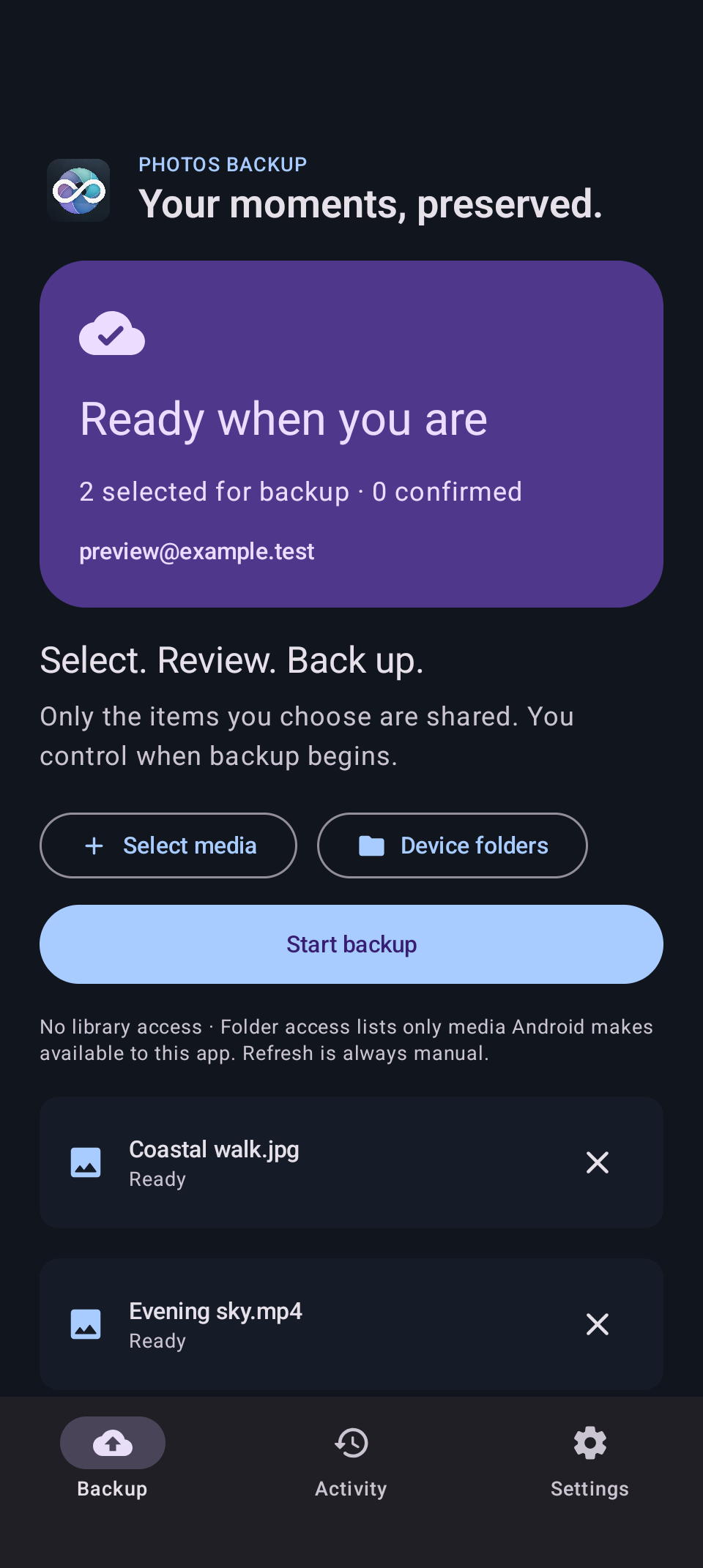
Android
Select individual media or accessible MediaStore folders, not logical Google albums; partial permission shows only media you granted the app.
Read the Android guideDetails
No. It creates copies in Google Photos and leaves your original files where they are.
macOS can recreate selected Apple Photos albums and Windows can mirror folder names. Android mirrors accessible device-folder names; those folders are not logical Google albums.
iCloud backup is copy-only by default. Experimental reclaim requires a reviewed manual preview or explicit automatic confirmation of up to 100 items, then fresh Google original readback and SHA-256 verification for every component before moving an item to Recently Deleted. It does not promise immediate free space or a permanent purge. Live deletion/recovery validation is still pending.
No. It uses the unofficial gpmc client. Google may change authentication, upload behaviour, or storage accounting.